

I’ve added some neat new features to the Bulletin Board System.
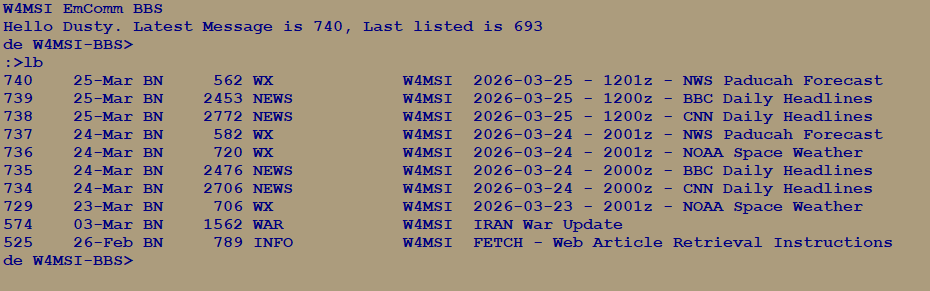
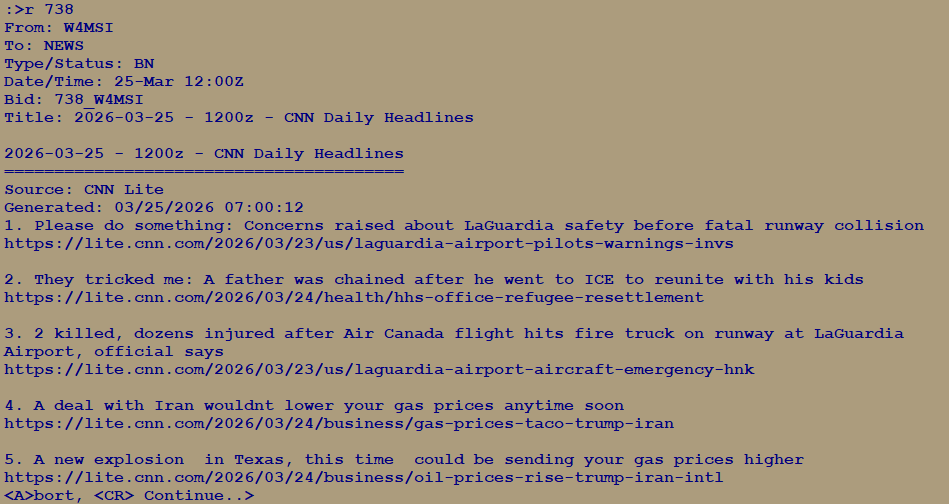
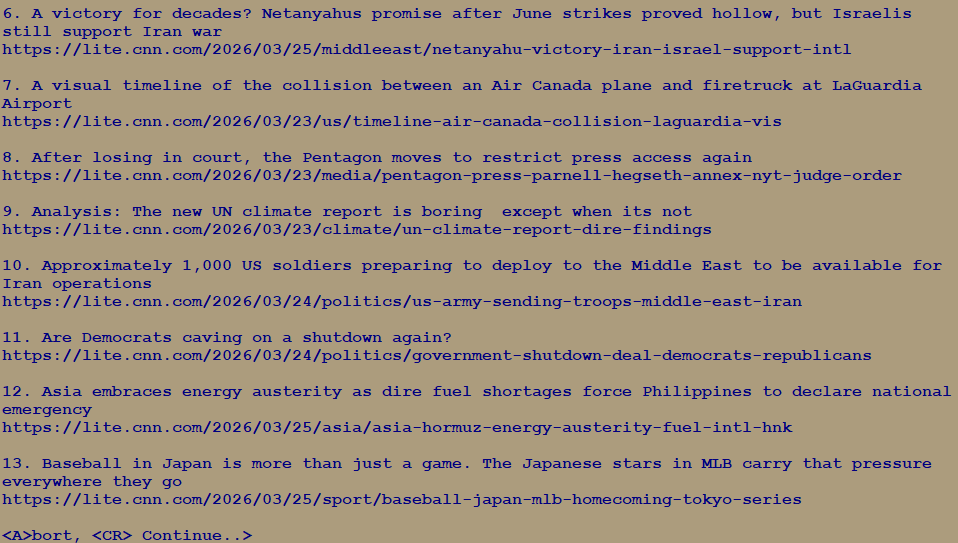
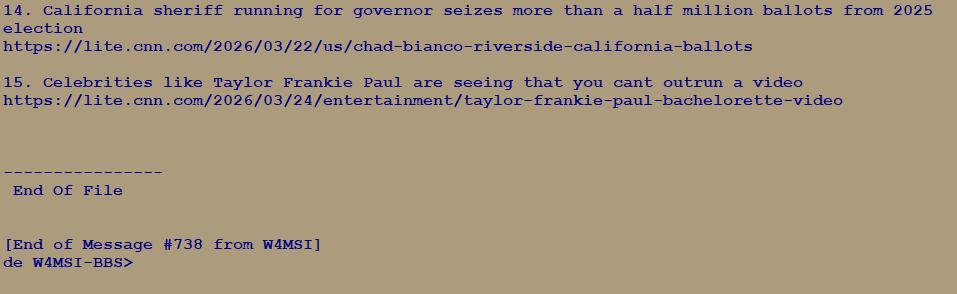
First, there is now a script that runs daily and it downloads news headlines from CNN and BBC. Let me jump in here and say that I do not align politically with these organizations and you may not either. However, they do offer valid headlines and in such a format that it’s easy to pull them from the web and create simple text based content which is what the BBS is designed for. If you think about it, a simple headline is all you need to be clued into what is going on in the nation or world for that matter and then you can dig and do more research yourself to find out more about a given situation. All I’m pulling is the headlines and therefore, there isn’t any political bias embedded. So, headlines are downloaded and posted into a new bulletin with the “NEWS” category for your to retrieve and read over RF completely offline. The script will also purge the old news bulletins and keep only the latest two posts so as not to clog up the system with “old news.”
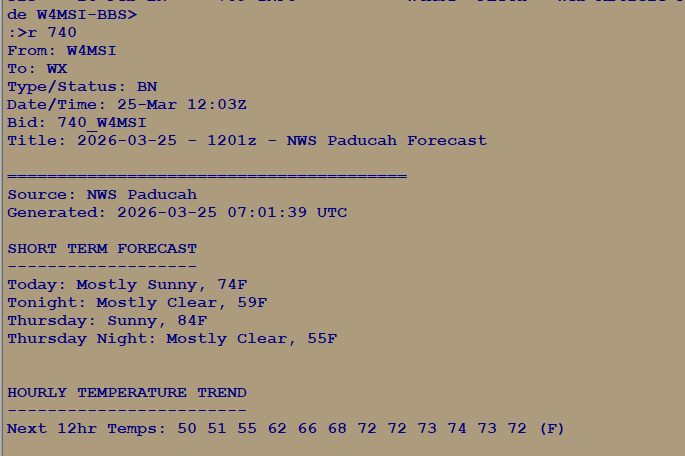
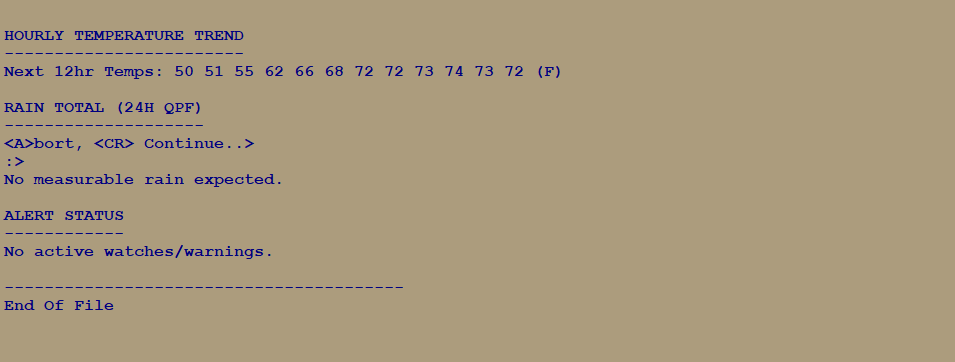
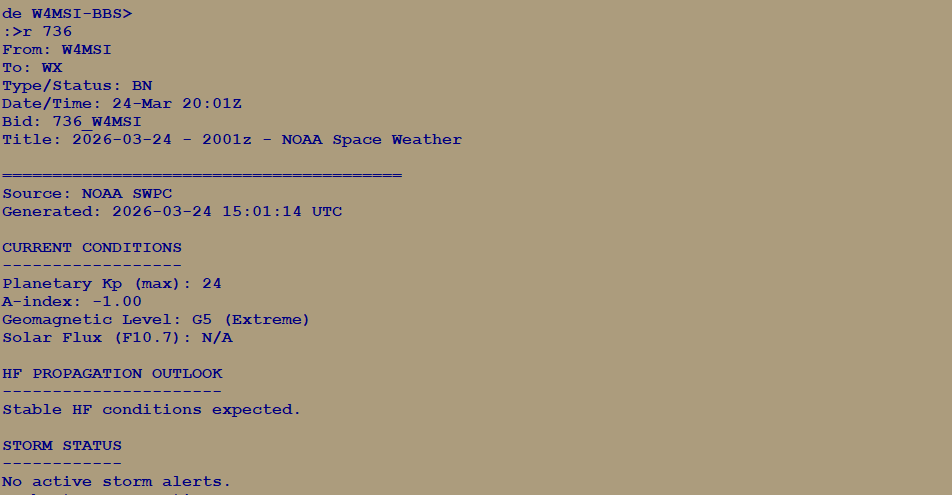
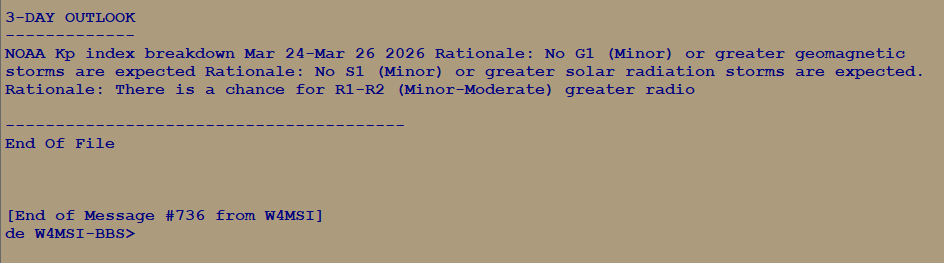
On top of that, I also have it download current NWS weather information from the Paducah field office so that we have access to offline current weather information. Then, it also pulls space weather data from NOAA. All of this information is then composed into separate bulletins to keep it organized and easy for you to retrieve the information.
Next, I’ve added a URL query engine so that you can post “private message” to the system containing a URL address and the system will reach out to the web, read the web page and strip it to plain text. After doing that it will then compose and send you a Private Message back to your callsign, which you can then read. So in short, this allows you to query a web page by URL, and view the plain text off of that web page, all while you remain totally offline. I’ve named this system “FETCH” and I’ve posted a bulletin with the instructions on how to use it to the “INFO” category on the BBS. I’ll include that bulletin below…
Title: FETCH – Web Article Retrieval Instructions
FETCH – Retrieve a Web Article
FETCH allows you to retrieve a web article and
receive a cleaned plain-text version via private
message.
HOW TO USE:
- Send a private message to FETCH:
SP FETCH - When prompted for Subject:
Enter ANY text.
(A blank subject cancels the message.) - In the message body:
Enter the FULL URL on its own line. - End the message with:
/EX
You will receive the cleaned article as a
private message.
NOTES:
- Only HTTP/HTTPS supported
- Large pages may be truncated
- One URL per message
- Allow up to 3-5 minutes for delivery
These new features should make the system more useful for everyone and add to the great messaging and information sharing capabilities it already has. I’m hoping to change antennas on the system soon (within a month or so hopefully) which should extend the coverage area for the system.
For reference, I’m adding some screenshots below…


No responses yet